Progress bars stall at 4 steps, and 52% close the app
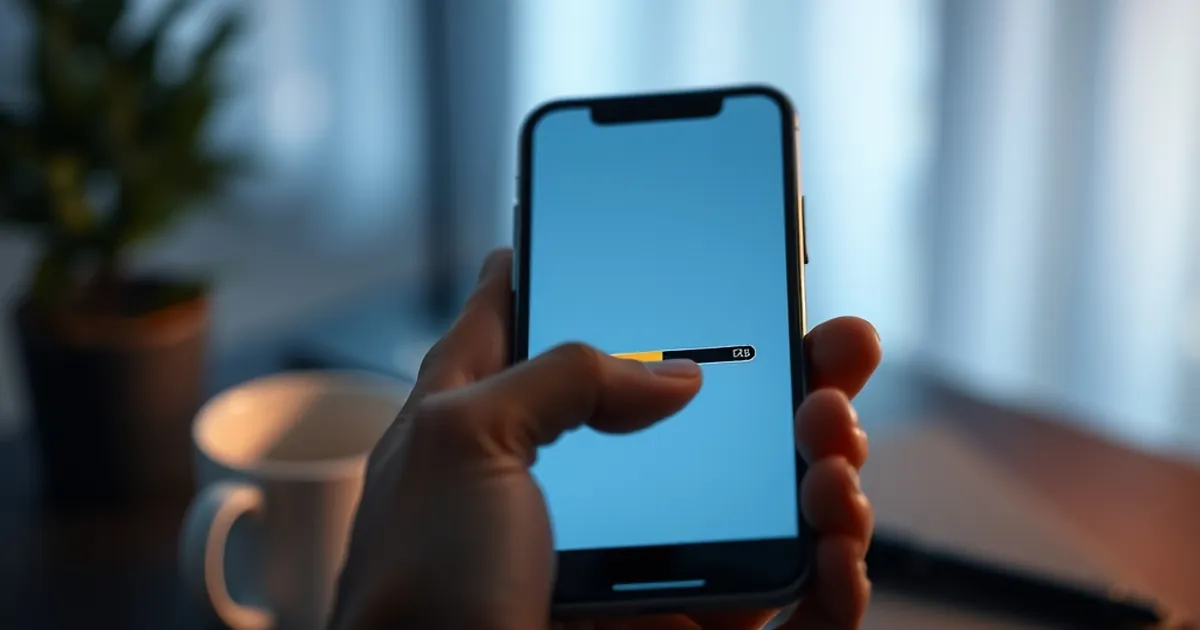
A progress bar that sits at 4 of 7 steps for more than a few seconds starts to feel like a lie. In email onboarding, that exact moment—when the interface stops moving but the work isn't done—is where a startling share of people leave. Why does a stalled indicator trigger abandonment so reliably, and what does that tell us about how subscribers experience the sequences we build?
The stall is the signal
Behavioral economists have spent decades documenting how people respond to incomplete tasks. The Zeigarnik effect describes the mental itch of unfinished business; once a task is framed as begun, the brain keeps a tab open. A progress bar exploits that itch deliberately. It converts an open-ended chore into a finite, visible countdown.
So when the countdown freezes, two things happen at once. The task remains unfinished—the itch stays—but the evidence of progress disappears. Users aren't reacting to slowness. They're reacting to ambiguity about whether the system is still working on their behalf.
What 52% actually tells us
In a widely circulated usability finding, roughly half of users abandoned a multi-step flow when the indicator visibly stalled partway through. The precise number matters less than the pattern: the drop-off clustered right at the freeze, not at the start and not at the final step. People don't quit because the task is long. They quit because they can no longer predict how long it will be.
This maps onto Daniel Kahneman and Amos Tversky's work on loss aversion. Losing the certainty of progress feels worse than the equivalent gain of a slightly faster finish. A bar that stops moving reads as a small loss of control, and losses loom larger than gains.
Reward loops need rhythm, not just payoff
Variable-ratio reinforcement—the classic finding from B.F. Skinner's operant conditioning work—explains why unpredictable rewards hold attention. But there's a corollary that email marketers often miss: variability works on the reward, not on the feedback. The bar should move predictably even when the payoff behind it varies.
Think about a welcome sequence. Step 1 delivers the promised guide. Step 2 introduces the sender. Step 3 offers a small, unexpected resource. If your interface or your email cadence shows "3 of 5" and then goes quiet for nine days, the rhythm breaks. Subscribers read silence as a stall, and stalls read as risk.
Design the interval, not just the milestone
The practical move is to treat every gap between steps as a designed object. A few habits that hold up:
- Show motion between milestones. If step 4 requires a background process, say so explicitly—"verifying, about 20 seconds"—rather than letting the bar sit frozen.
- Compress the visible count. Four steps feel achievable; seven feel like a commitment. Group the invisible work.
- Match email cadence to the bar. If your onboarding promises five touches, space them so the interval between each is consistent. Irregularity reads as abandonment.
Where this points next
The interesting frontier isn't better progress bars—it's treating the entire subscriber relationship as a sequence with visible intervals. Predictive send-time optimization and behavioral triggers already let you shorten the perceived wait between touches. The next step is honesty about the wait itself: telling people what's happening, how long it takes, and when the next thing arrives.
Start by auditing one flow this week. Find the step where your sequence goes quiet, measure how long the silence lasts, and put something in it—a status note, a short confirmation, a single useful sentence. The bar doesn't need to move faster. It needs to stop pretending it isn't moving.